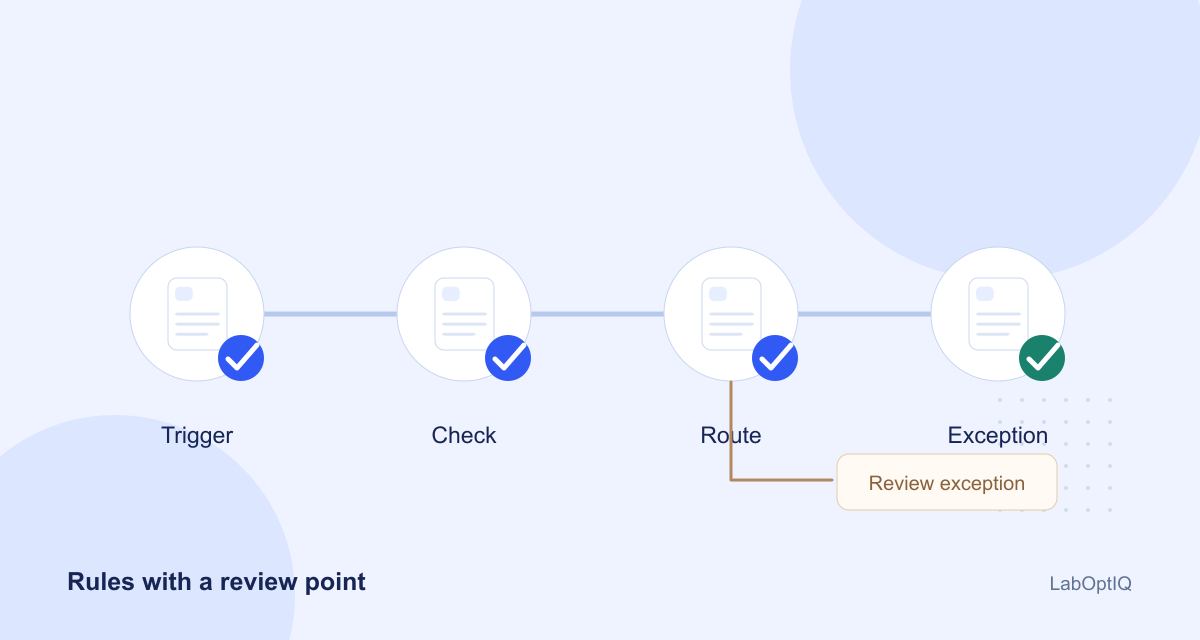
Stabilize the manual rule first
Document how a reviewer currently chooses the route and responsible team for a case. Separate product type, required skills, capacity, clinic commitments, and special instructions. If experienced staff disagree about the rule, software will reproduce that uncertainty faster rather than resolve it.
Choose a narrow starting point, such as routing accepted work to a design queue. Keep clinical and technical review under the appropriate professional's control. A successful file transfer should not automatically mean that the lab has accepted the prescription or committed to the requested date.
Define a trigger and prerequisites
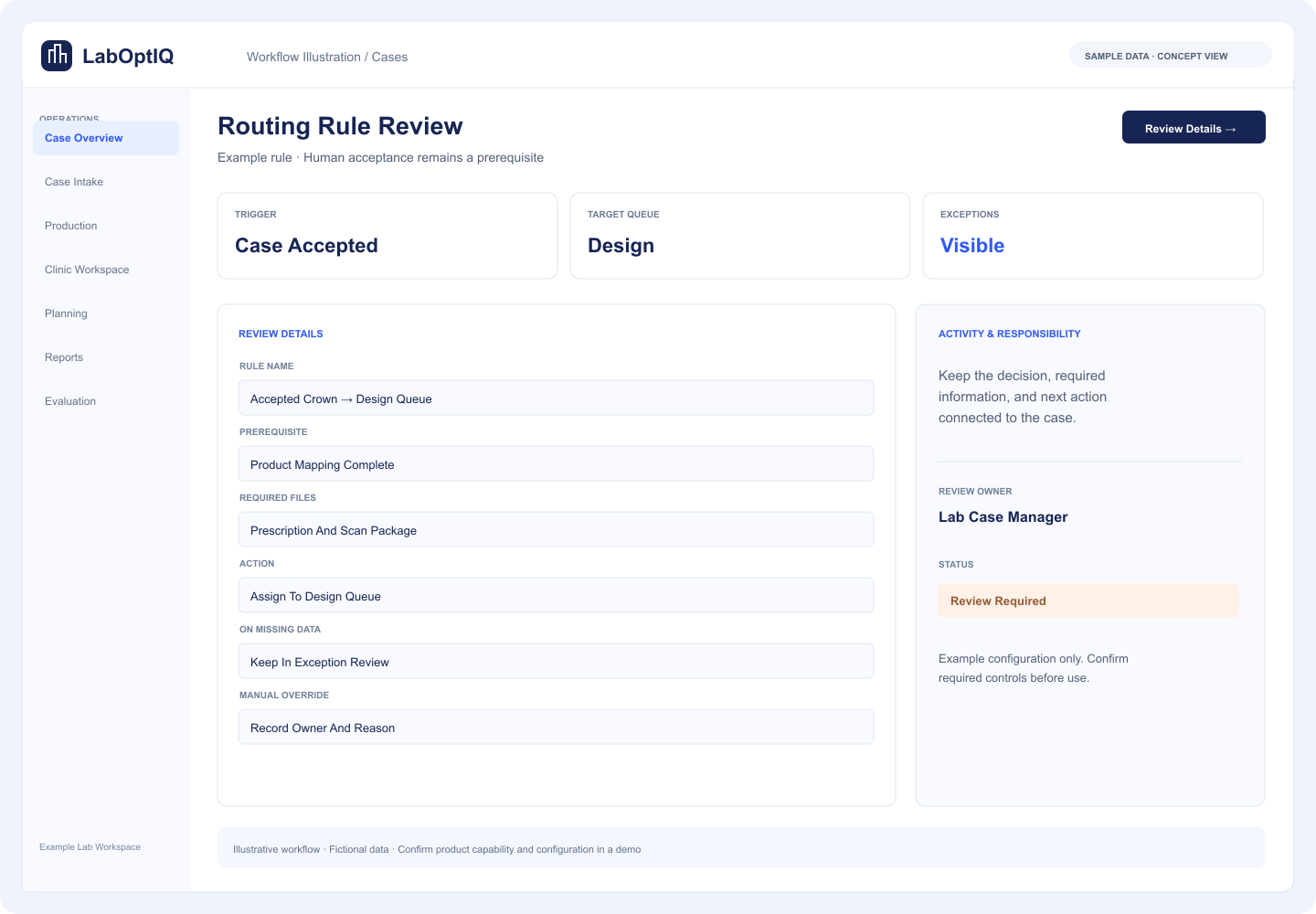
A rule needs an explicit trigger: acceptance, stage completion, approval, or another recorded event. Define required fields and the conditions that must be true. For example, an accepted case with a mapped product and complete attachments might enter a designated production queue.
Specify what happens when information is missing. Keep the case in an exception view with a reason and responsible person. Silent failure is especially harmful because staff may assume the automated action already happened and stop checking the next handoff.
Separate routing from individual scheduling
Sending a case to a department is different from assigning it to a named technician. Individual assignment may depend on skills, leave, remaining effort, and equipment. Begin with queue routing if capacity information is not yet reliable enough for more detailed scheduling.
Make overrides visible. If a supervisor changes an assignment, record who did it and why, and ensure the rule does not immediately reverse that decision. Test what happens when two rules match or when the chosen technician becomes unavailable before work starts.
Choose status events carefully
A status should change when there is reliable evidence that the corresponding work occurred. Opening a file does not necessarily mean design is complete, and printing a shipping label does not prove that a package has left the lab. Define the business meaning of each event.
Keep internal stage updates distinct from clinic-facing notifications. Decide which events customers should see, what language is used, and whether an updated date needs human confirmation. An automated message that makes an unapproved promise creates additional work rather than removing it.
Make retries and duplicates safe
A repeated event should not create duplicate cases, assignments, or customer messages. Ask how the system recognizes an action already performed and how it recovers when one step succeeds but the next fails. Request an activity record showing the trigger, attempted action, outcome, and any retry.
Provide a manual path for resolving exceptions. Staff need to know when it is safe to retry, correct data, or cancel an action. The failure view should be usable by the operational team, not only interpretable from technical server logs.
Pilot in observation mode
Where supported, compare proposed assignments with human decisions before enabling automatic changes. Review mismatches with the people responsible for the queue. Then enable one bounded rule for a limited case group and measure corrections, missed actions, and duplicated work.
Confirm the automation capabilities of any product you evaluate; the workflow illustration is an example, not a claim that every rule is available in LabOptIQ. Judge success by predictable handoffs and recoverable exceptions, not simply by the number of tasks labeled automated.
View A Workflow Example
Explore this workflow with your team.
Bring your cases, scanner sources, and existing tools to a LabOptIQ demo. Confirm the handoffs, available features, and integration scope that matter to your lab.
Book A Workflow Demo