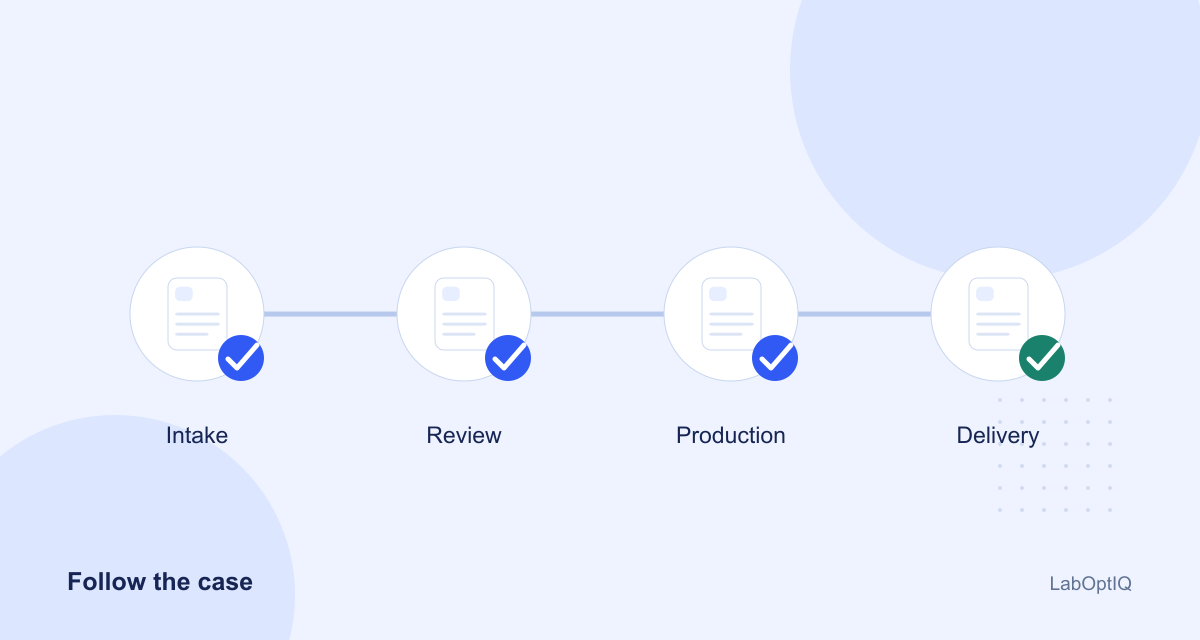
Create the case reference before the handoffs multiply
Assign a stable lab reference and keep the original source reference alongside it. Digital and analog intake should follow the same identity rules even if their attachments differ. Record the clinic, requested work, received date, and the person reviewing the case. Avoid using a patient name as the only way to match records.
The same reference should connect the production ticket, files, questions, quality records, and shipment. If your systems use different IDs, retain a mapping instead of making staff recognize cases by memory. Updates to an existing order should not silently create a new unrelated job.
Separate receipt, review, and acceptance
Received means that information or materials have arrived. In Review means someone is checking whether the lab has enough information to commit the work. Accepted means the agreed requirements and production route are ready. Define these events so a portal notification is not mistaken for a production commitment.
Keep incomplete work visible with a reason and an owner. A missing instruction, absent scan, or unanswered question should create a clear next action. Record when the clarification was requested and when the response arrived so the timeline explains delays without guessing.
Track production at useful decision points
Choose stages that reflect real handoffs: design, manufacturing, finishing, and quality control are common examples, but your case types may differ. Each stage needs a responsible person or queue, an entry event, and a completion condition. Do not add stages merely because the software permits them.
Track work waiting for a stage separately from work actively being handled. This helps a supervisor distinguish a long design task from a case sitting unassigned. Preserve the history of reassignment rather than replacing the previous owner with no explanation.
Give holds a reason and a review date
A hold is not a complete explanation. Record whether it relates to clinic clarification, material availability, equipment, or an internal review. Assign someone to resolve it and set a date for the next check. A hold without a next action is easy to forget.
Use a documented policy for how holds affect promised dates and internal turnaround measurements. Show elapsed time and hold time separately when useful. Removing holds from every report can hide an important source of clinic frustration, even when the lab could not progress the work itself.
Make dispatch and delivery distinct events
At dispatch, connect the shipment reference, carrier information when available, and the items actually sent. One shipment may contain several cases; one case may also require more than one shipment. Do not assume the case count and package count are identical.
Record delivery confirmation separately from shipment creation. If delivery updates come from a carrier integration, confirm what events are supported and how exceptions are handled. If someone enters them manually, label the source rather than presenting a manually recorded update as live carrier data.
Check the tracking record against reality
Choose a few cases every week and compare the system's stage with the physical or digital work. Look for late updates, contradictory dates, and cases that changed route without an explanation. Fix the update process rather than repeatedly correcting records after the fact.
A useful tracking view supports a handover: another team member can identify the next action without calling the usual owner. In a software demo, test a normal case, a hold, and a split shipment. The exception cases reveal whether the timeline is an operational tool or just a sequence of colored labels.
View A Workflow Example
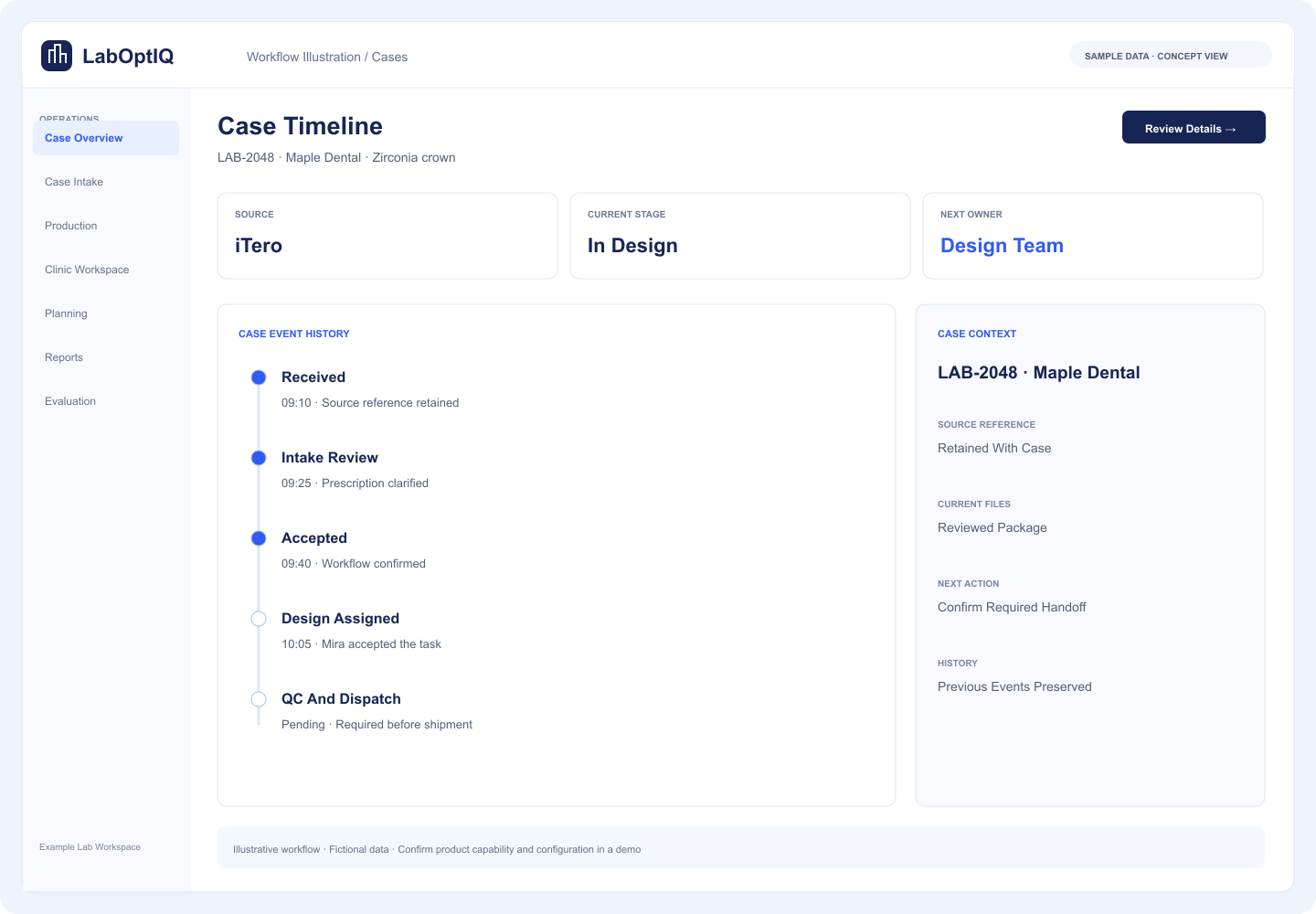
Explore this workflow with your team.
Bring your cases, scanner sources, and existing tools to a LabOptIQ demo. Confirm the handoffs, available features, and integration scope that matter to your lab.
Book A Workflow Demo