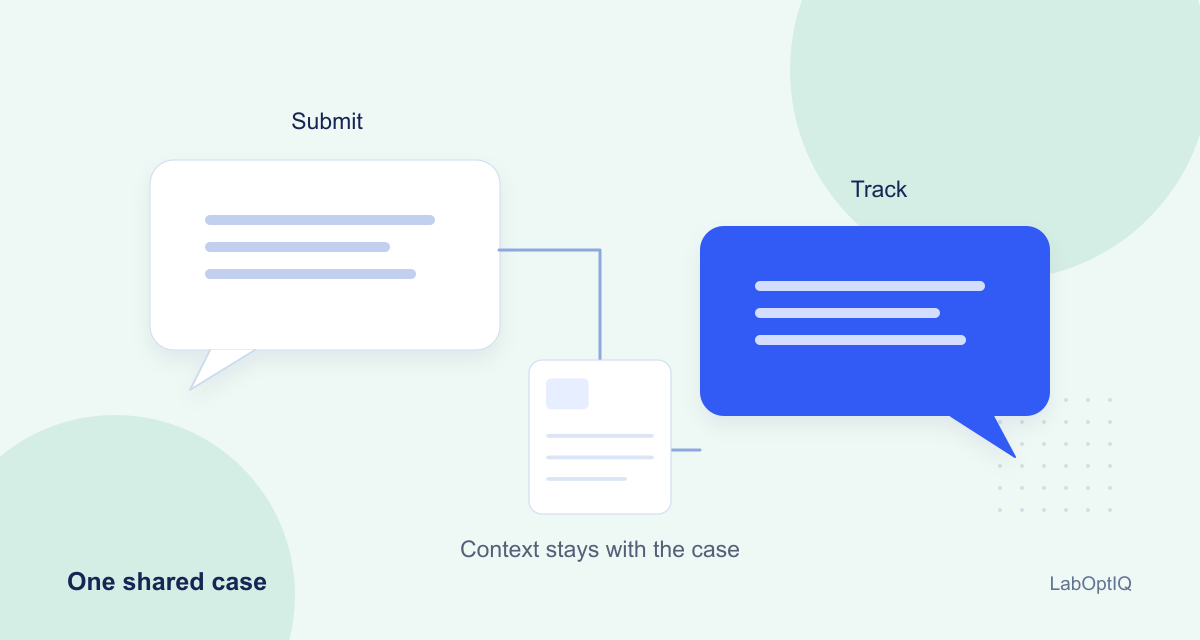
Make submission a complete request
Start with a form that matches the work your lab accepts. It should identify the clinic, requested product, timing, and supporting files. The required clinical and technical information must follow the lab's professional procedures and the practice's responsibilities, not a generic form chosen only for visual simplicity.
Allow incomplete work to be saved or returned for clarification where the process supports it. Make the difference between Submitted and Accepted clear. A practice should not interpret the requested date on its own submission as a confirmed production or delivery commitment.
Give the clinic one case reference
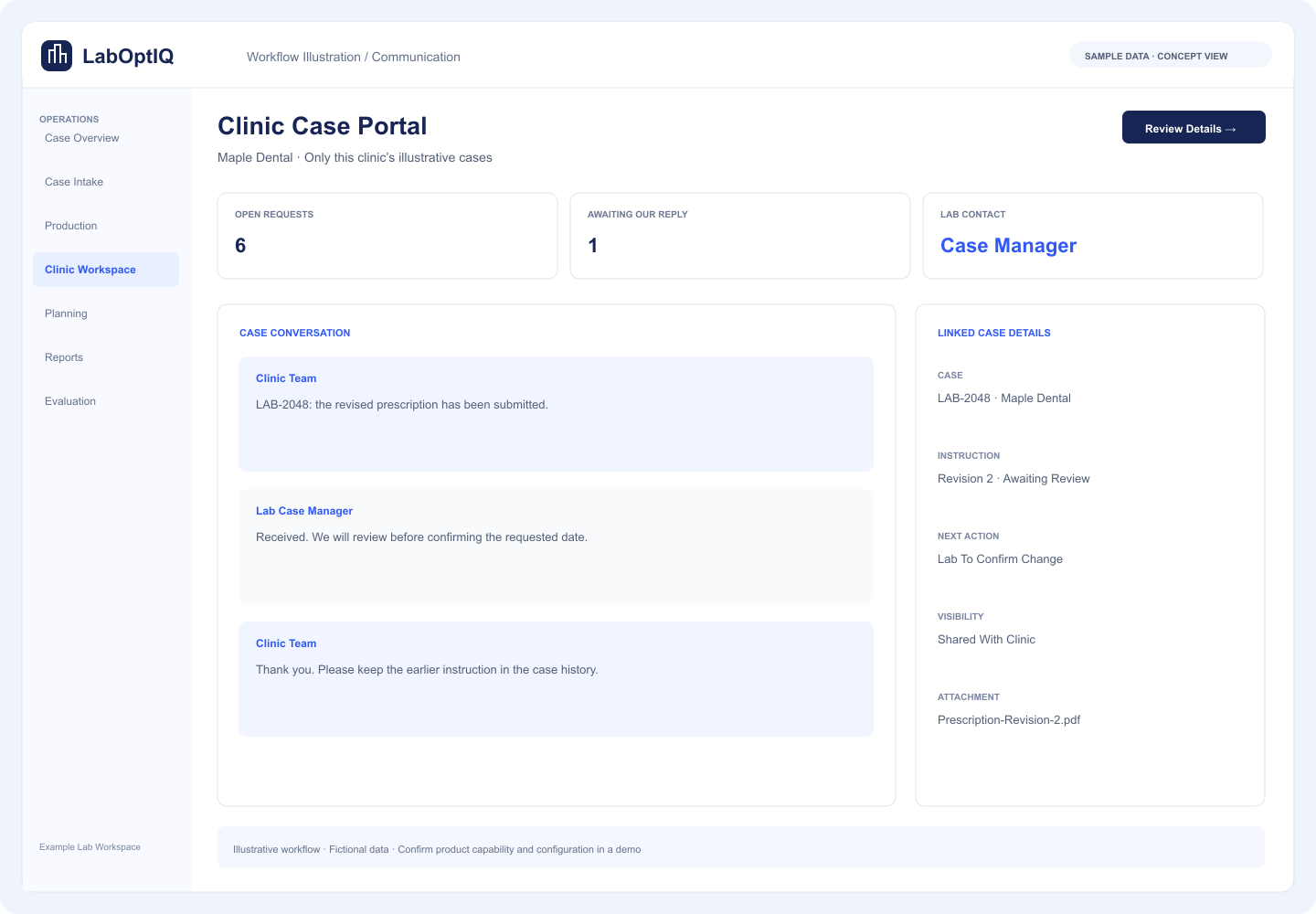
After submission, provide a stable reference and confirmation of what was received. Keep the prescription and attachments associated with that reference. Staff at the practice should be able to find the same case without depending on the person who first uploaded it.
Define access within the clinic. A dentist, practice manager, and assistant may require different permissions. Test that users can see only the appropriate clinic's work and cannot discover another customer's records by changing a URL or searching a shared list.
Put questions next to the work
A case conversation should identify whether a response is needed, who is responsible, and what question remains open. Keep consequential decisions connected to the relevant prescription or file version. An internal lab note should be distinguishable from a message shared with the clinic.
If a decision occurs by phone or another channel, record an appropriate summary in the case. The aim is not to ban convenient conversations. It is to make the agreed instruction available to the next authorized person who handles the work.
Share status with its meaning
Decide which internal stages are useful for the clinic and how they are described. A clear update might identify that a case is under review, awaiting information, progressing through production, or dispatched. Avoid exposing every internal click as if it were meaningful progress.
Show the agreed date and communicate changes deliberately. If carrier events are available, label them as such; if delivery information is entered manually, avoid describing it as a live carrier feed. Customers benefit from a trustworthy update more than from an elaborate but ambiguous timeline.
Design for everyday practice use
Test the portal on the devices used at the clinic. Check whether a user can identify a case, upload the expected file sizes, find an unanswered question, and recover from an interrupted upload. Error messages should say what needs to be corrected without losing the entire request.
Keep account support clear. Agree how new practice staff receive access, how former staff are removed, and who handles a locked account. A portal that is difficult to access will push conversations back into unstructured channels even if its case screens are well designed.
Measure whether the portal helps
Pilot with a few willing practices and compare submission completeness, repeated status requests, unresolved questions, and staff effort. Do not treat logins as proof that the workflow improved. Ask the practice whether it can understand what the lab needs next without calling.
LabOptIQ's doctor-portal proposition centers on submission, visibility, and collaboration. Confirm the available fields, permissions, notifications, and links to your lab's case process in a demo. The right portal should support the relationship between the practice and lab rather than merely create another place to upload a file.
View A Workflow Example
Explore this workflow with your team.
Bring your cases, scanner sources, and existing tools to a LabOptIQ demo. Confirm the handoffs, available features, and integration scope that matter to your lab.
Book A Workflow Demo