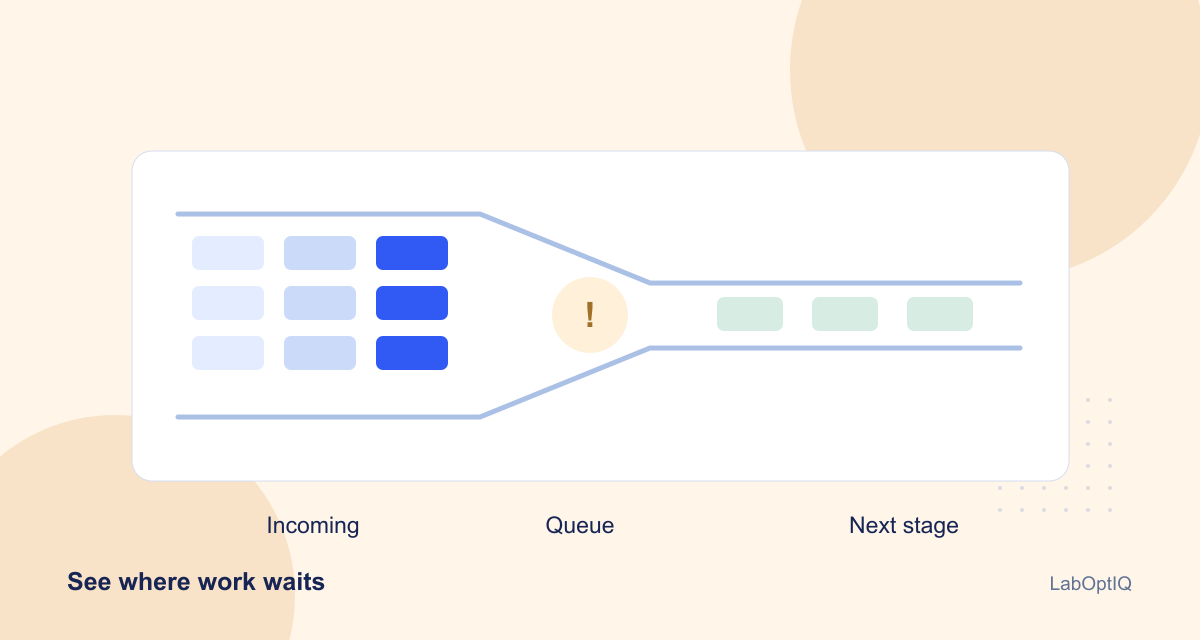
Find persistent queues, not just busy people
A department that looks busy may be keeping up with demand. The stronger warning is a queue that grows or ages repeatedly ahead of the same stage. Compare arrivals, completions, and remaining effort over a representative period before deciding where the constraint lies.
Look beyond averages. A few complex cases, missing materials, or a recurring approval dependency can create an aging tail even when most work moves smoothly. Group cases by route and complexity so the team does not compare a short finishing task with a complicated design as if they were equivalent units.
Distinguish waiting, active, and blocked work
A case waiting for a technician is different from a case being worked on or held for a clinic response. Use those distinctions where they support decisions. Record the stage entry time and the reason for a block, along with a named owner and next review date.
Avoid using On Hold as a parking space for anything inconvenient. An operational review should be able to identify what would unblock each case. If the answer is unclear, clarifying the reason is itself the next action.
Limit release into a constrained stage
More work in progress does not automatically produce more completed cases. Releasing accepted work without considering downstream capacity can spread attention across too many jobs. Discuss practical release limits and escalation rules with the people responsible for the affected route.
Do not move cases to a later column merely to make a queue look smaller. A stage transition should reflect a real handoff. If the next team has not received the required files or materials, the work is still waiting, regardless of the screen's label.
Plan capacity with remaining effort
Technician capacity depends on available time, skills, leave, supervision, and other duties. Start with rough planning estimates for common tasks and refine them using experience. Compare remaining work against practical availability, not the theoretical number of hours in a shift.
Include equipment and batch constraints. A qualified technician may be available while a required machine is occupied or material is unavailable. Track these dependencies explicitly so a scheduling change does not simply move the wait to another part of the process.
Review exceptions before moving priorities
An urgent request can displace several existing commitments. Make the trade-off visible and agree who may change priorities. A due-date change should include an owner and explanation rather than silently sorting a case to the top of the board.
Use a short review focused on aging, blocked, and at-risk work. Assign the next action and check whether the previous action happened. Avoid reading every card aloud; the board should make ordinary progress visible without a meeting.
Test whether the view changes decisions
Ask a supervisor to explain why the oldest case in each queue is still there. Then ask which cases can realistically move today. If the board cannot support those questions, improve the information and update habits before adding more charts.
In a software evaluation, create an unassigned case, a blocked case, an overloaded technician, and a failed quality check. Watch whether the system preserves history and highlights the correct next action. A believable production view should make unresolved work more visible, not just make completed work look orderly.
View A Workflow Example
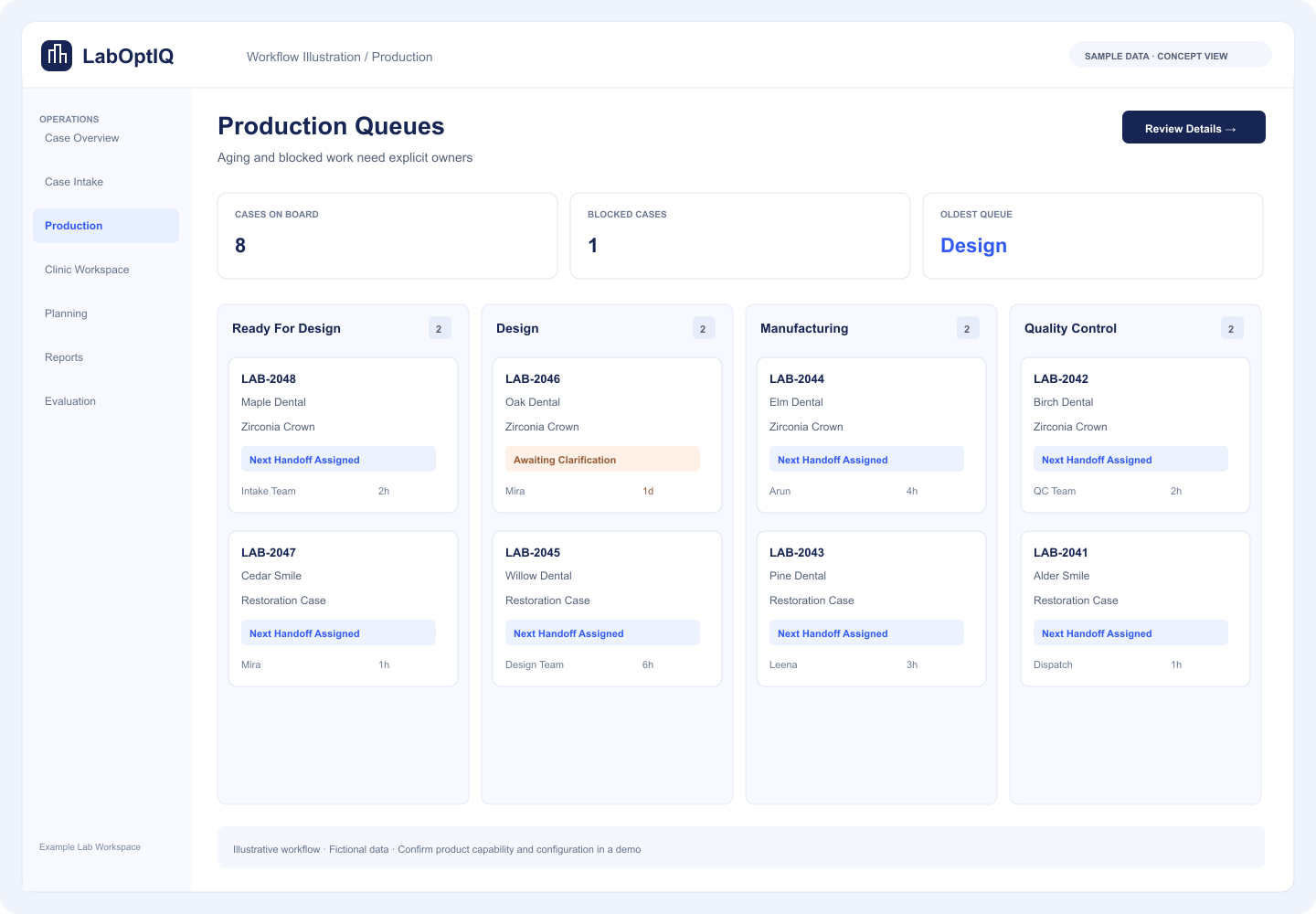
Explore this workflow with your team.
Bring your cases, scanner sources, and existing tools to a LabOptIQ demo. Confirm the handoffs, available features, and integration scope that matter to your lab.
Book A Workflow Demo