Define what the inventory record represents
Identify items using a stable code, description, unit of measure, and storage location. Distinguish a piece from a pack and a pack from a supplier's ordering unit. Inconsistent units can make a reorder calculation look correct while representing the wrong physical quantity.
Add lot, expiry, or other traceability information where required for the material and your procedures. Follow manufacturer storage and handling instructions. Inventory software can organize records, but it does not replace the material controls your qualified team needs to establish.
Separate on-hand, allocated, and available stock
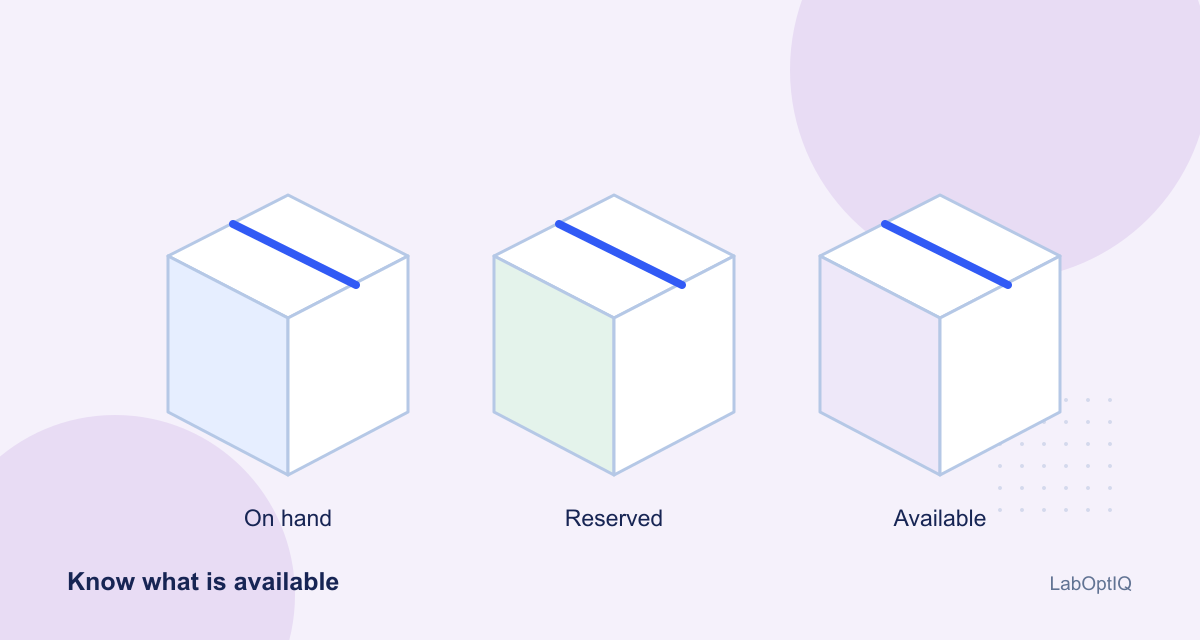
On-hand stock is the recorded physical quantity. Allocated stock is already committed under your reservation policy. Available stock is what remains usable after the relevant commitments and restrictions. Quarantined, expired, or otherwise unavailable stock should not silently inflate the planning quantity.
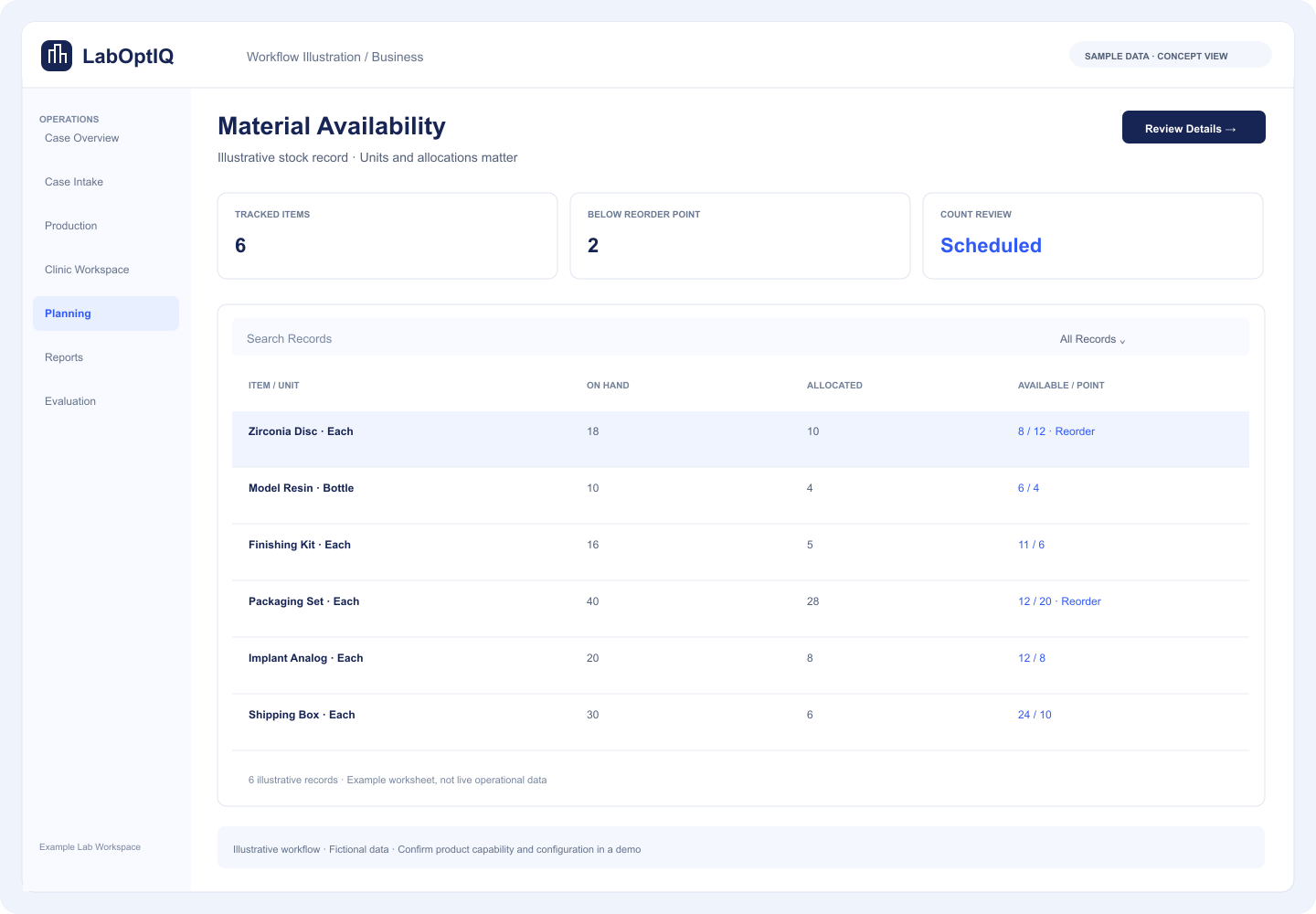
For example, 18 units on hand with 10 allocated leaves 8 available before other restrictions. If the chosen reorder point is 12, that is a replenishment signal under the policy, not a prediction that production will certainly stop. The example quantities in the illustration are fictional.
Set reorder points using your experience
Consider expected consumption over replenishment lead time and a buffer appropriate to uncertainty. Supplier delivery variability, case mix, and ordering frequency affect the decision. A single fixed rule for every material can create excess stock in one area and persistent shortages in another.
Review the assumptions regularly. A change in supplier, product demand, or pack size can invalidate an earlier threshold. Record who owns the parameter and why it changed so another person can maintain the purchasing routine.
Record movements where they happen
Receipts, issues, returns, adjustments, and transfers between locations should follow a clear process. Decide who records each event and when. A polished stock dashboard is not reliable if material consumption is entered several days after production.
Use cycle counts or another practical verification routine to compare records with physical stock. Investigate recurring differences rather than adjusting the number without explanation. The purpose is a record the team can use, not merely a balanced-looking total.
Connect shortages to production decisions
When a required material is unavailable, identify the affected work and responsible action owner. Do not automatically substitute a different material without the appropriate professional and commercial decisions. Keep the resulting case hold or revised schedule visible.
Include expected deliveries with their level of certainty. A purchase order raised today is not the same as stock received and released for use. Show ordered, confirmed, received, and available states distinctly where they matter to planning.
Evaluate inventory functionality separately
Many systems use the phrase inventory management differently. Ask whether the product supports your units, locations, reservations, traceability records, counts, and case relationships. Test a shortage, a partial receipt, and an adjustment, not just a new stock item.
Treat this article as an operational evaluation guide rather than a claim that LabOptIQ currently provides every inventory feature shown. If inventory is essential to your lab, include it explicitly in the requirements discussion and confirm the scope of any existing-system integration.
View A Workflow Example
Explore this workflow with your team.
Bring your cases, scanner sources, and existing tools to a LabOptIQ demo. Confirm the handoffs, available features, and integration scope that matter to your lab.
Book A Workflow Demo