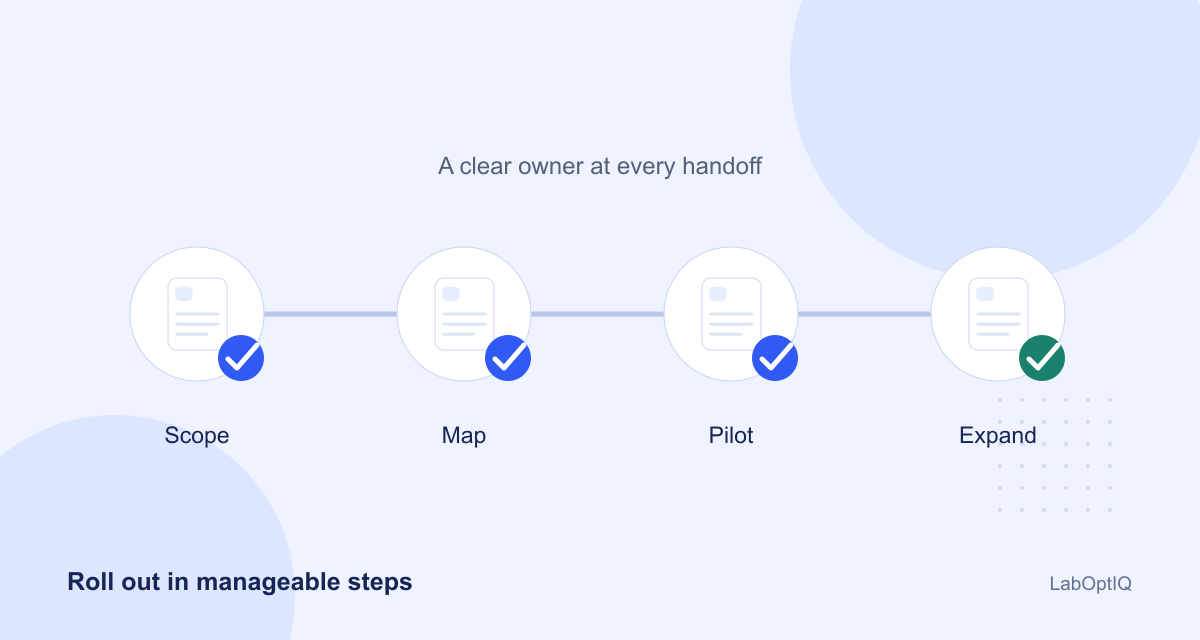
Give the implementation a practical scope
Choose the workflows included in the first release and identify what remains in existing systems. Name a lab owner and a vendor counterpart for decisions. Document essential dependencies, such as portal access, catalog mapping, and accounting handoffs, before announcing a firm go-live date.
Separate confirmed features from custom work and later plans. A small scope that supports an actual intake-to-production handoff is easier to validate than a broad project with several unresolved integrations. Write measurable acceptance conditions rather than treating installation as completion.
Clean and map the important data
Start with clinics, contacts, products, users, and the open cases needed for the pilot. Agree how identifiers, statuses, dates, and attachments map between systems. Keep a copy of the source data and a record of transformations so discrepancies can be investigated.
Decide how historical cases and financial balances will be handled. Not every record needs the same migration method. Have the people responsible for finance and records retention review the plan where relevant. An imported row count is not sufficient evidence that the migrated case history is usable.
Pilot a representative route
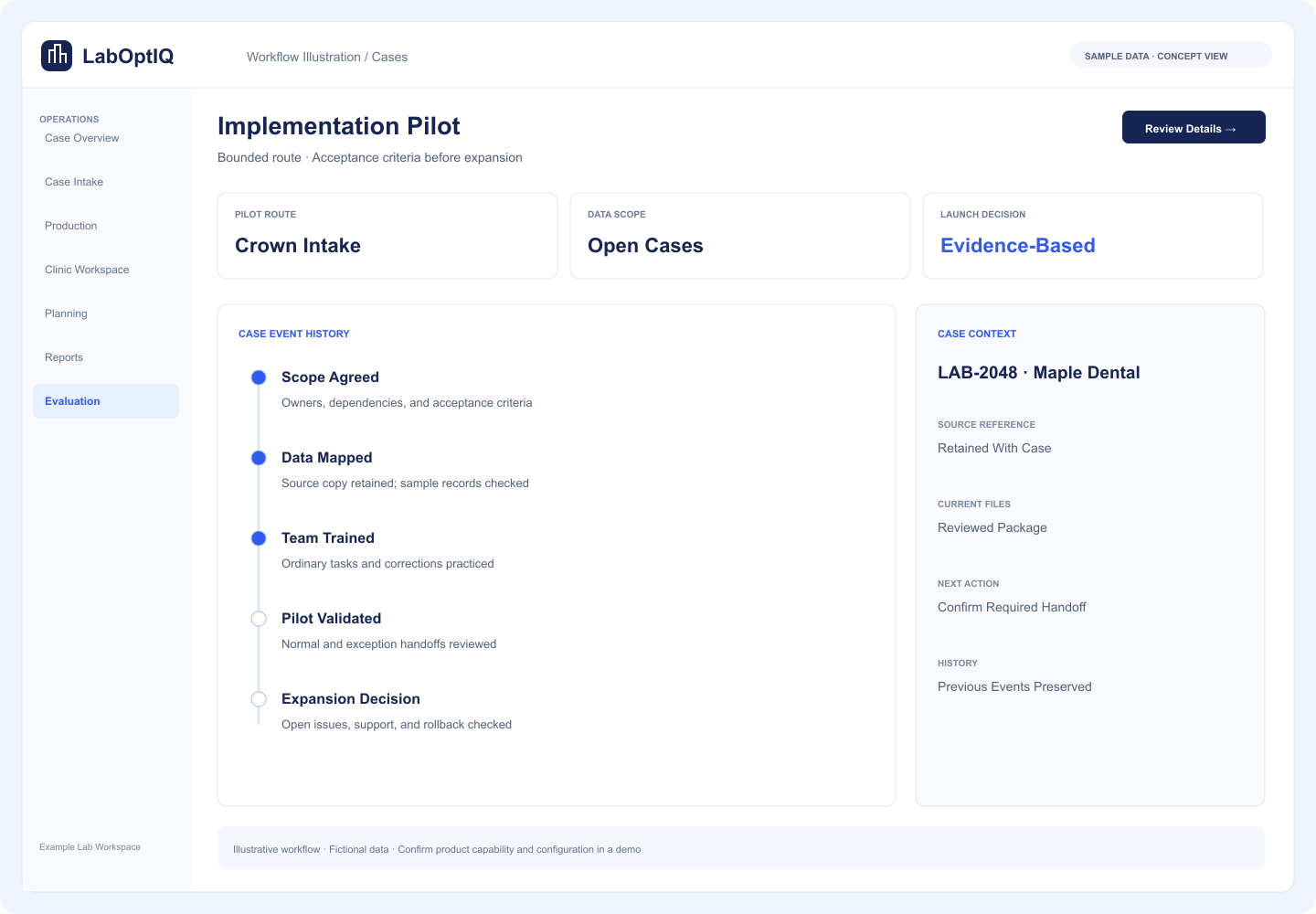
Choose a manageable case group that includes real exceptions: an incomplete submission, changed prescription, hold, and reassignment. Use authorized test or appropriately controlled operational data. Agree who validates the outcome and what evidence demonstrates a successful handoff.
If the team temporarily uses two systems, define the authoritative record for every important field. Parallel entry can help validate a process, but indefinite dual operation creates conflicting updates. Establish a reconciliation routine and an explicit condition for ending the overlap.
Train by task and role
Have intake staff review a case, technicians update a stage, and dispatch staff complete their own handoff. Include corrections, failures, and access problems. A general presentation does not prove that users can recover when an ordinary task goes wrong.
Create a small set of local working instructions and identify first-line support. Account for shifts, leave, and clinic onboarding. Give the team a clear way to report issues and distinguish a training question from a configuration problem or a missing capability.
Set go-live and rollback criteria
Before expansion, check data accuracy, essential integrations, permissions, unresolved exceptions, and support readiness. Decide which issues block launch and who has authority to make that decision. Keep the criteria stable rather than redefining them simply because a target date is approaching.
Document how work continues if a critical issue occurs. A rollback plan needs to explain how new cases, changed instructions, and completed stages are reconciled, not merely how to reopen the old application. Test the practical recovery steps at a scale appropriate to the pilot.
Stabilize before adding more scope
After launch, monitor update accuracy, missing information, duplicate records, failed transfers, and staff effort. Keep a short issue review with named owners. Fix the process that causes repeated corrections rather than treating cleanup as a permanent task.
Expand to another route or team only when the initial handoff is dependable. For LabOptIQ, request a scoped onboarding plan around your existing systems and scanner accounts. The objective is an adoption process your team can sustain, not a claim that changing software has no operational consequences.
View A Workflow Example
Explore this workflow with your team.
Bring your cases, scanner sources, and existing tools to a LabOptIQ demo. Confirm the handoffs, available features, and integration scope that matter to your lab.
Book A Workflow Demo