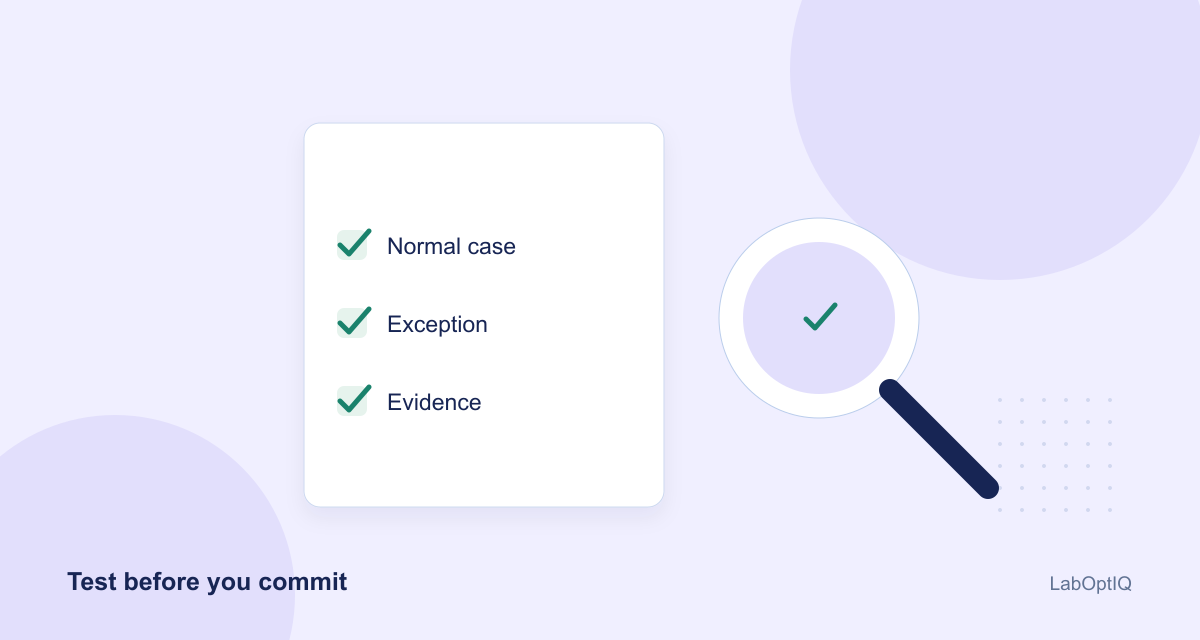
Prepare the cases and decision rules
Choose a typical case, an incomplete submission, a revised instruction, and a remake or other important exception. Use fictional or appropriately authorized data. List the scanner sources, software, case routes, and users involved in each example.
Identify essential pass/fail conditions before the meeting. Decide which requirements can tolerate a manual step and which cannot. Assign one person to capture evidence and unresolved actions so the final decision does not depend on who remembered the presentation most positively.
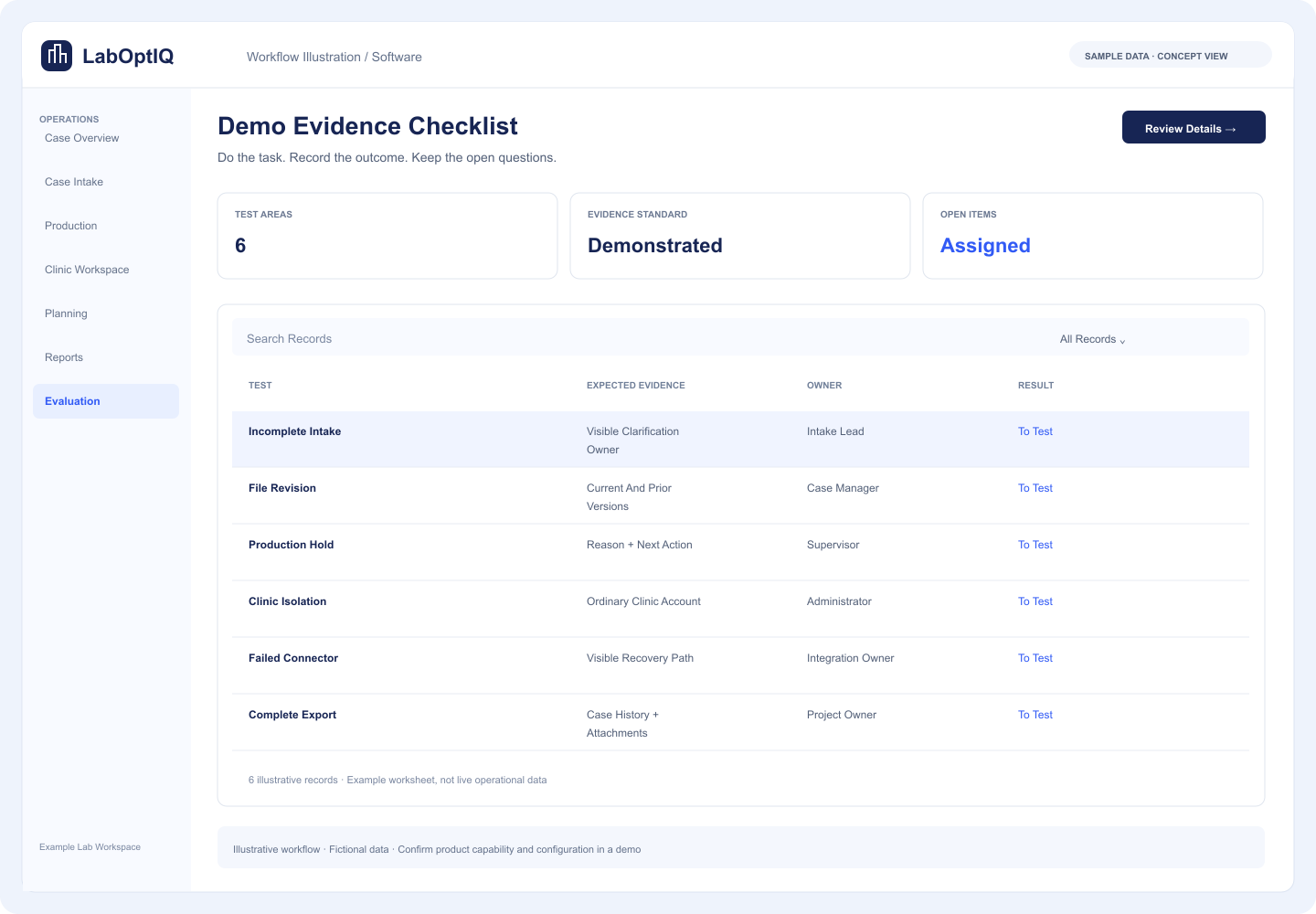
Test intake and file handling
- Receive a case with the source reference visible.
- Review the prescription and expected attachments.
- Show how missing information is requested and owned.
- Replace a file and identify the current reviewed version.
- Retry a failed transfer or demonstrate the recovery path.
- Confirm whether a repeated source event creates a duplicate.
Ask the vendor to explain what actually transferred automatically and what was preloaded into the demonstration. Keep supported source access and a sample imported file distinct. If an essential connector is not available to test, record the requirement as unresolved rather than passed.
Follow the production handoffs
- Accept the case into the relevant product and route.
- Assign it to a queue or authorized technician.
- Record a block and identify the next action owner.
- Change an assignment and inspect the history.
- Fail a required quality gate and follow the recheck.
- Record release and dispatch as distinct events.
Include at least one different case type. A system that handles a single route smoothly may still need configuration for your actual mix. Check that the next ordinary user receives the information required to continue without asking the presenter to intervene.
Use the clinic and ordinary staff accounts
Submit a request as a clinic user, answer a clarification, and review a progress update. Verify which dates are requested and which have been accepted. Inspect whether internal notes and other clinics' records stay outside that user's access.
Ask a technician or intake colleague to perform a few tasks directly if an evaluation environment is available. Note where guidance is required, what errors say, and whether an interrupted task can be recovered. Do not evaluate daily usability only through an administrator account with every permission.
Inspect evidence, exports, and commitments
Request a sample case export including relevant attachments and history. Review a useful operating report with its underlying definitions. Ask about support, recovery, implementation responsibilities, fees, usage limits, and exit arrangements using your expected workload.
Separate live demonstrations, written commitments, configuration work, custom development, and roadmap statements. They should not all receive the same score. Assign each unresolved point an owner and a date for the next response.
Close with a pilot decision
Record what passed, failed, or could not be tested. Agree the scope of a pilot and the measures that determine whether to proceed. Include staff effort, update accuracy, unresolved exceptions, and the essential external handoffs.
Bring this checklist to a LabOptIQ workflow demo and request a scoped discussion around your lab's sources and existing systems. The intended outcome is a clear decision record, not a blanket promise that every illustrated feature is currently available. A credible next step follows the evidence collected during the session.
View A Workflow Example
Explore this workflow with your team.
Bring your cases, scanner sources, and existing tools to a LabOptIQ demo. Confirm the handoffs, available features, and integration scope that matter to your lab.
Book A Workflow Demo