Compare operating responsibilities
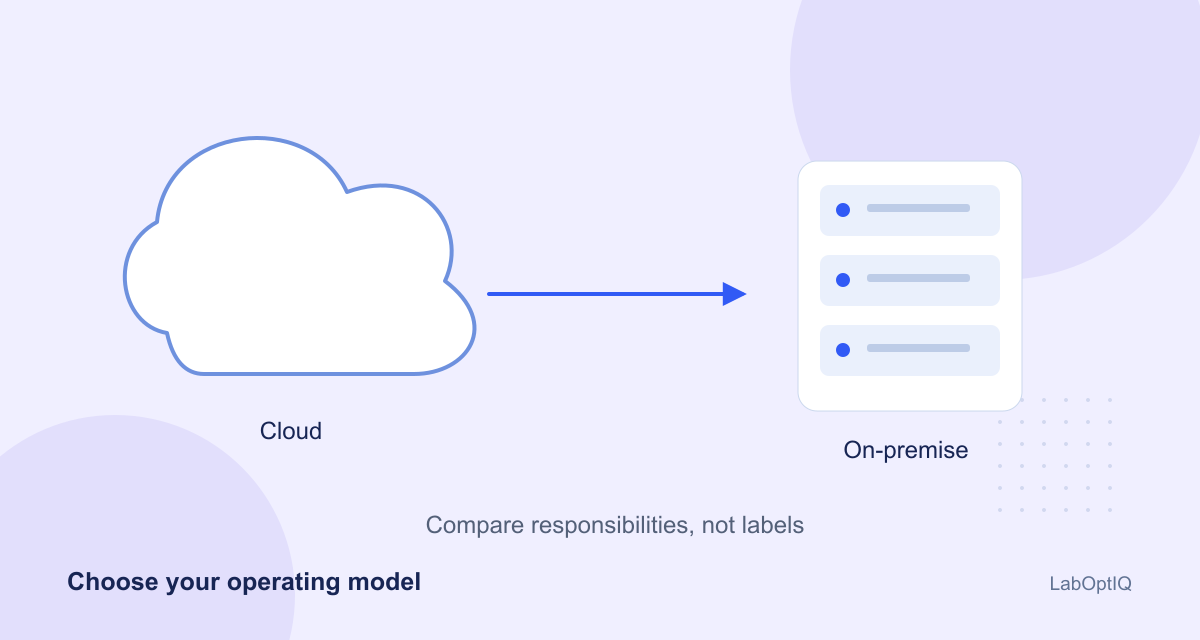
In a cloud service, the provider generally operates the hosted application infrastructure. With an on-premise deployment, the lab or its IT partner usually manages more of the local environment. The precise allocation depends on the contract; hosted, private-cloud, and hybrid arrangements do not all work the same way.
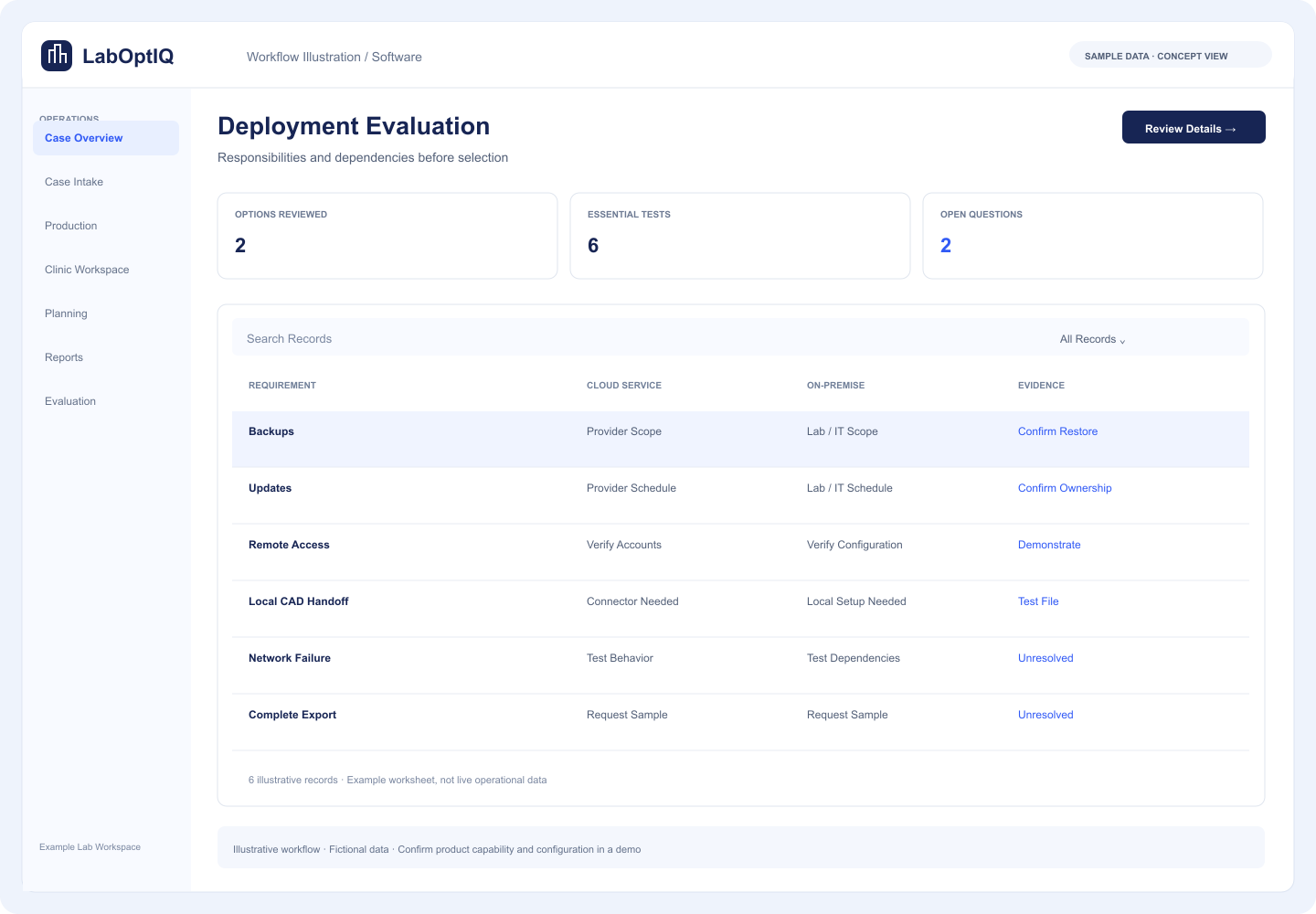
Write down who handles updates, backups, restore testing, monitoring, account administration, and incident response. A vendor saying backups are included is not the same as agreeing how quickly a specific case record or attachment can be recovered. Ask for the practical recovery process and ownership.
Test the production floor's connectivity
Check network reliability where technicians actually work, not just at the office desk. Test uploading a representative scan package and opening an attachment while other users are active. Ask what happens when the connection drops halfway through an update or file transfer.
On-premise software is not automatically independent of the internet. Scanner portals, licensing, remote access, and external integrations may still depend on connectivity. Conversely, a cloud product may offer limited offline functions. Verify the behavior you need rather than inferring it from the deployment label.
Review local software and equipment handoffs
Your design tools, scanners, printers, mills, and shared storage may need local components or specific operating systems. Ask how the proposed LMS reaches them, what gets installed, and who maintains it. A browser-based case screen does not prove that all connected workflows are browser-only.
Use a real file transfer in the evaluation. Confirm paths, permissions, version requirements, and error visibility. Establish whether the handoff is automatic or whether staff must download and upload files manually. Include those remaining steps in the operating comparison.
Evaluate access and data handling
Ask how users are authenticated, what roles can see, how clinic access is isolated, and how accounts are removed. Review where data is stored and how exports are provided. Involve an appropriate adviser for requirements that depend on your jurisdiction, contracts, or the types of information handled.
Neither location guarantees appropriate security. A locally installed system still needs configuration, patching, and recovery procedures. A hosted service still needs careful account administration and a clear agreement with its provider. Evaluate the controls and responsibilities, not a broad claim that one category is inherently safe.
Compare the full operating cost
For each option, consider licenses or subscriptions, servers where applicable, IT support, upgrades, storage, file transfer, integrations, onboarding, and internal administration. Use the same time horizon and expected workload. Ask which charges vary with users, sites, cases, or stored files.
Keep quoted amounts separate from assumptions. An inexpensive subscription may not include a difficult integration; an on-premise quote may not include future equipment replacement. Compare a practical operating scenario rather than only the number printed on the first page.
Choose against your constraints
Create a decision sheet with essential workflows, local equipment dependencies, network conditions, support expectations, recovery needs, and exit requirements. Mark each as demonstrated, contractually confirmed, or unresolved. Weight the requirements before reviewing the vendor presentations.
A sensible next step is a bounded pilot covering a normal shift and a connectivity interruption. The better option is the one whose responsibilities and failure behavior your lab can operate reliably. It may be cloud, on-premise, or a combination; that answer should follow the evidence from your setup.
View A Workflow Example
Explore this workflow with your team.
Bring your cases, scanner sources, and existing tools to a LabOptIQ demo. Confirm the handoffs, available features, and integration scope that matter to your lab.
Book A Workflow DemoSources & Further Reading
Vendor documentation explains its own platform, not a confirmed LabOptIQ integration or partnership.