Compare the shape of the request
An email or message can begin a conversation quickly. A portal can provide structured fields and required attachments, depending on its design. The trade-off is the effort required to complete the request and whether the resulting information is usable by the lab without repeated clarification.
Test an ordinary case and an incomplete case with clinic staff. If a form is so rigid that useful instructions return to a separate message, the workflow still fragments. Make room for context while keeping essential information identifiable.
Follow files and revisions
In a message-based process, revised files may arrive in a later thread or conversation. A portal may organize them by case and version. Neither approach automatically establishes which package is approved for current work; the lab still needs a clear review and acknowledgement process.
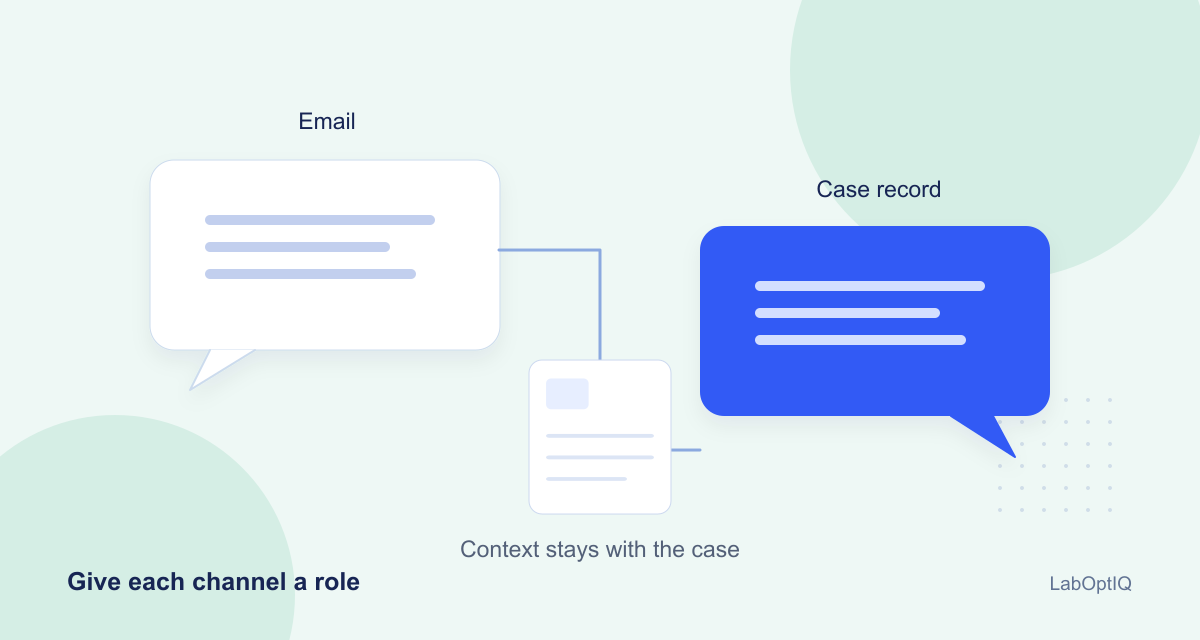
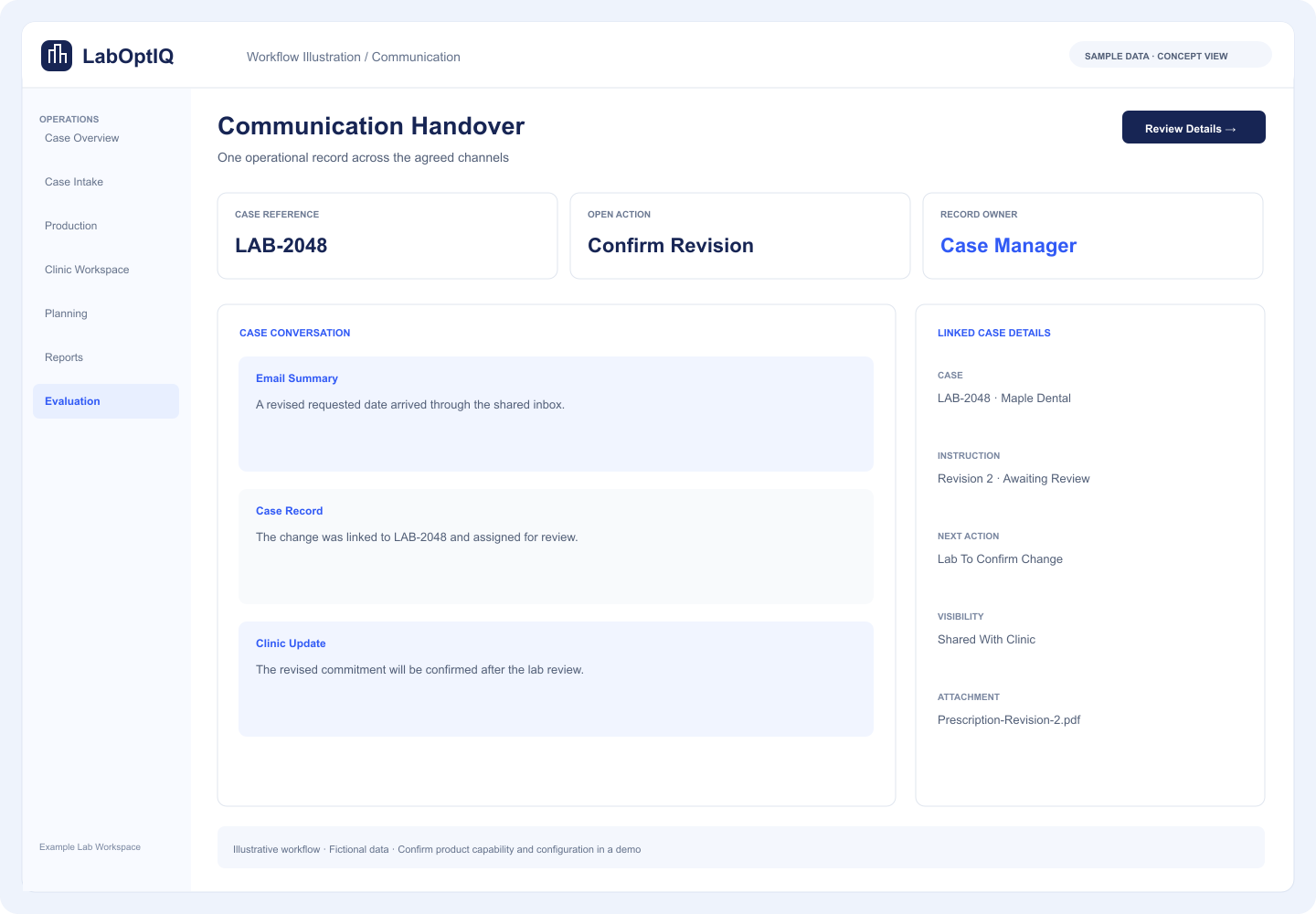
Keep the case reference in communication outside the portal. When a consequential instruction arrives by another channel, record the agreed outcome with the operational case. Avoid expecting the next technician to search the entire conversation history to infer the latest decision.
Look at ownership and handover
Shared email addresses and group conversations can be workable when responsibilities are defined. The difficulty is an unresolved question everyone assumes another person will answer. A portal can help if it makes the next action and recipient clear, rather than merely providing another chat box.
Test a staff absence at both the clinic and the lab. Can an authorized colleague identify the open question and continue the case? Personal account access and informal forwarding should not be the only handover method.
Evaluate visibility and notifications
Email and messaging can deliver updates where people already work. A portal can provide an on-demand case view, but a user may still need a notification that action is required. Decide which information belongs in the notification and what should be reviewed in the case record.
Avoid making unsupported assumptions about security based solely on the channel name. Review account access, recipients, retention, device use, and how sensitive case information is handled under your requirements. The way a tool is configured and used matters as well as the product category.
Decide what the clinic should be able to do
List the actions that matter: submit, attach a file, answer a question, review progress, request a change, or obtain a document. Establish which changes require lab acknowledgement. A requested date should remain distinguishable from an accepted commitment.
Ask to test clinic isolation and internal-note visibility with normal accounts. Confirm how new staff receive access and former staff are removed. A convenient link should not unintentionally expose unrelated cases or commercial information.
Choose a hybrid workflow deliberately
A portal does not need to eliminate every phone call, email, or message. It can serve as the operational record while other channels notify or clarify. The important agreement is where the final instruction, version, owner, and commitment are maintained.
Pilot the approach with a few practices and compare submission completeness, unanswered questions, and repeated status requests. Evaluate LabOptIQ's doctor portal against those tasks and confirm current capabilities. A good outcome is less reconstruction of the case, not merely a higher count of portal logins.
View A Workflow Example
Explore this workflow with your team.
Bring your cases, scanner sources, and existing tools to a LabOptIQ demo. Confirm the handoffs, available features, and integration scope that matter to your lab.
Book A Workflow Demo