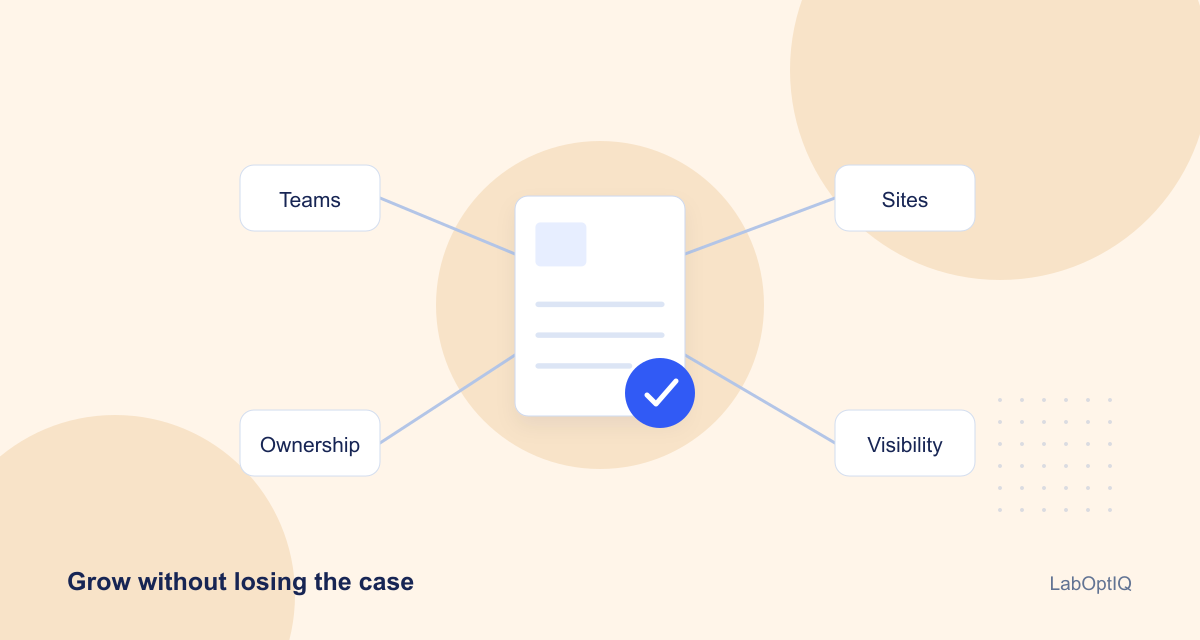
Standardize the case reference and core events
Use a stable identifier across intake, production, communication, and dispatch. Preserve source references from scanner portals and partner systems. Decide what Received, Accepted, On Hold, Released, and Shipped mean for every team that uses them.
Allow route-specific stages without losing a common high-level meaning. A removable workflow and a crown workflow can differ while still sharing clear acceptance and dispatch events. Avoid making teams force different work into the same columns merely to simplify one management report.
Make team ownership survive individual absence
A named technician is useful, but the lab also needs to know which queue or team owns the work when that person is absent. Establish reassignment authority and a handover record. Important instructions should not live only in a personal account or a colleague's memory.
Review new staff access and removal deliberately. As the team grows, broad permissions granted for convenience can expose unnecessary information. Give each role the context it needs and verify the effect of clinic-facing access with ordinary accounts.
Add capacity without hiding dependencies
More staff at one stage may not increase completed work if another stage, machine, or approval process remains constrained. Compare incoming effort, available capacity, and aging queues. Include skill requirements, outsourced work, and material dependencies in the review.
When introducing another shift or location, define the physical and digital handoffs. A transferred case needs a source, destination, responsible owner, and confirmation of receipt. The management record should not imply that a file transfer and a physical transfer happened at the same time.
Build exception ownership into the operating rhythm
As volume grows, even a small exception rate can produce a substantial queue. Keep missing files, unanswered questions, overdue stages, and failed integrations in views with named owners. Make it possible to see the oldest unresolved action, not just the newest arrival.
Use a short review to decide what happens next. Escalation should have a purpose and recipient. An alert sent to everyone is not a reliable assignment, and a dashboard displaying a red number does not establish who will resolve it.
Keep reports comparable across teams
Agree definitions for cases, units, remakes, holds, and completion dates. Show case mix and sample sizes when comparing teams or locations. A route with more complex work should not appear less effective solely because it completes fewer cases per person.
Audit a few records against actual work regularly. Growth can amplify delayed updates and inconsistent labels. A larger reporting layer will not correct weak source data; improve the local update process so the overview remains grounded in real events.
Expand through repeatable pilots
Test a new team, shift, or location with a bounded group of cases. Verify assignment, file access, handover, dispatch, and the handling of an incomplete case. Give staff a clear support path and compare the actual workload with the planning assumptions.
LabOptIQ's case-visibility proposition can be evaluated against this growth scenario. Confirm any multi-location, scheduling, reporting, or integration requirement explicitly; the illustration is not a product availability statement. The target is a lab where another authorized person can identify a case's next action even as the operating structure becomes more complex.
View A Workflow Example
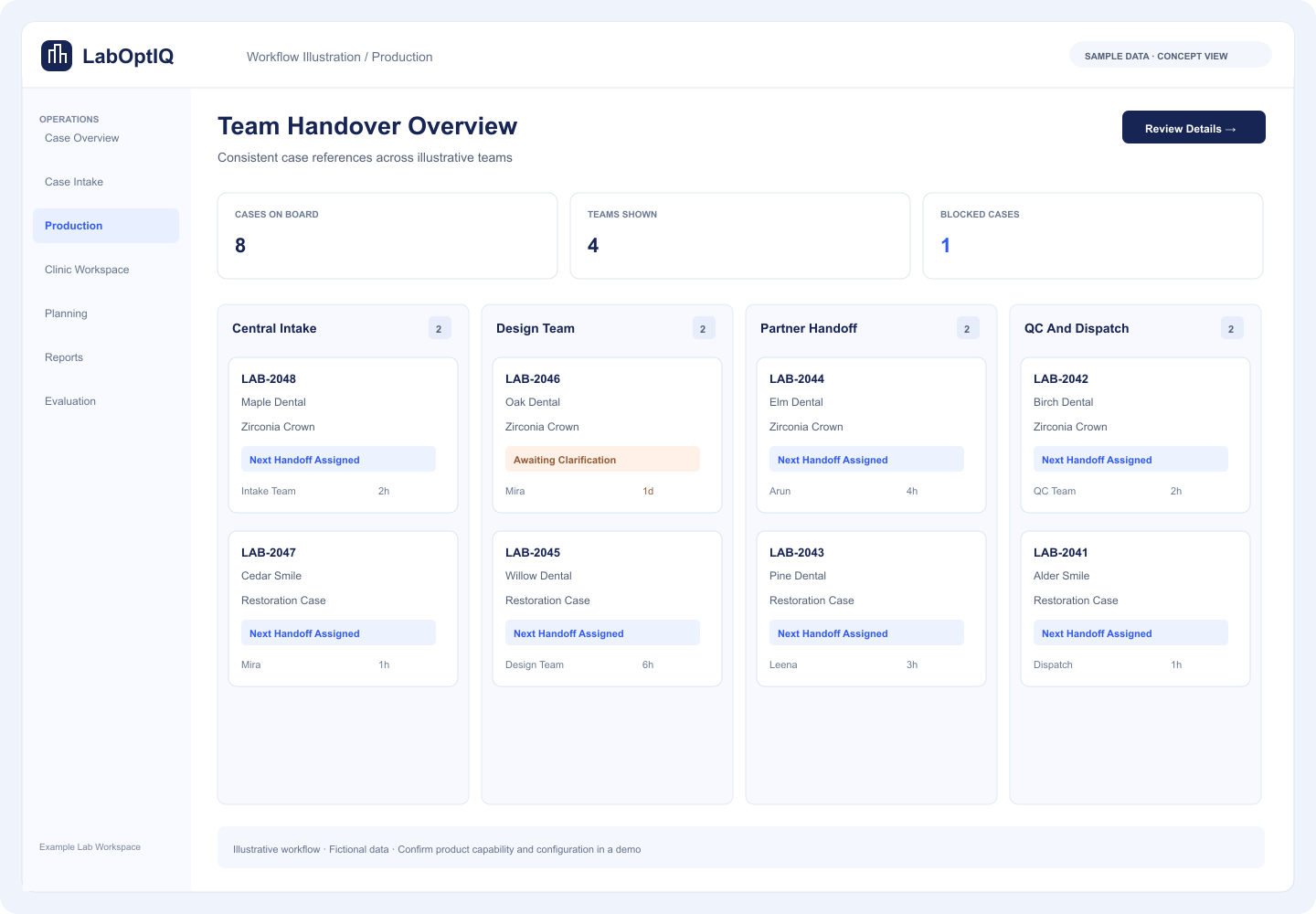
Explore this workflow with your team.
Bring your cases, scanner sources, and existing tools to a LabOptIQ demo. Confirm the handoffs, available features, and integration scope that matter to your lab.
Book A Workflow Demo