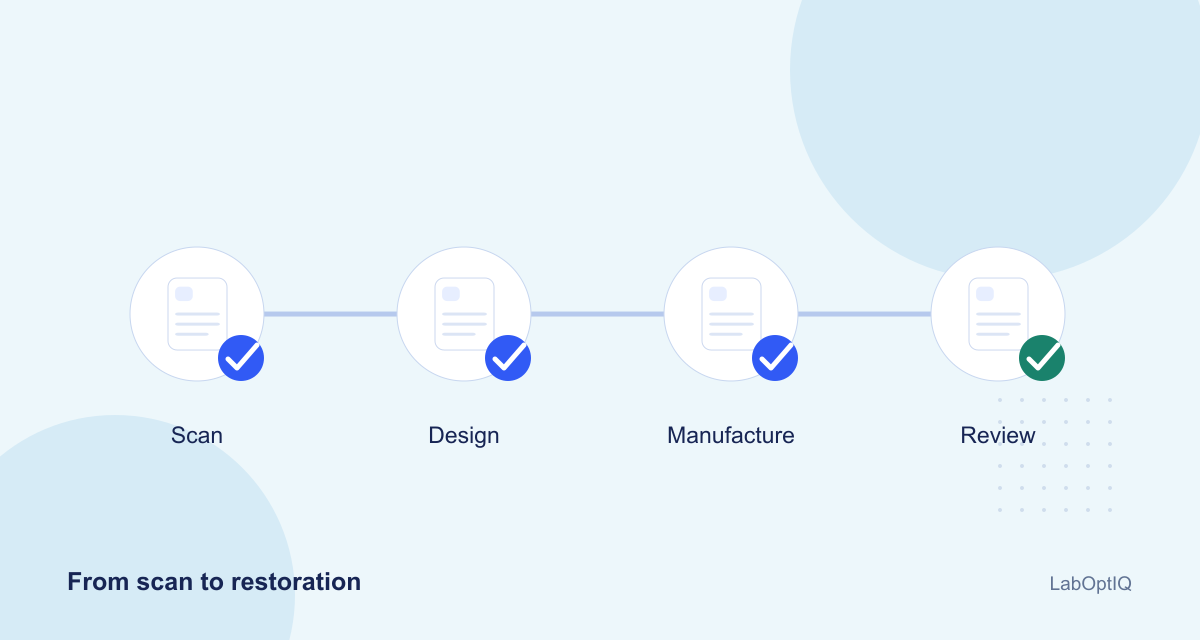
Start with a complete transfer
The clinic's scan is part of an order that also needs instructions, a reliable reference, requested timing, and any supporting records required for the work. Confirm the lab is receiving the expected package through the agreed portal or submission route. A transfer notification alone is not proof that every required item is available.
Keep the source reference attached to the lab case. Record which files arrived and when. If the package changes after review, identify the revision rather than replacing earlier attachments without a history. Qualified staff should determine whether the information is suitable for the intended work.
Review before releasing design
An intake review establishes what the lab has accepted. Check the requested product, material, deadlines, and required information under the lab's procedures. Route unresolved questions to a named contact so they remain visible to both the reviewer and the case manager.
A case can be received but not yet ready for design. Make that distinction explicit. Otherwise an available file can be mistaken for an approved instruction, and a designer may begin work before a consequential question is answered.
Keep the design handoff identifiable
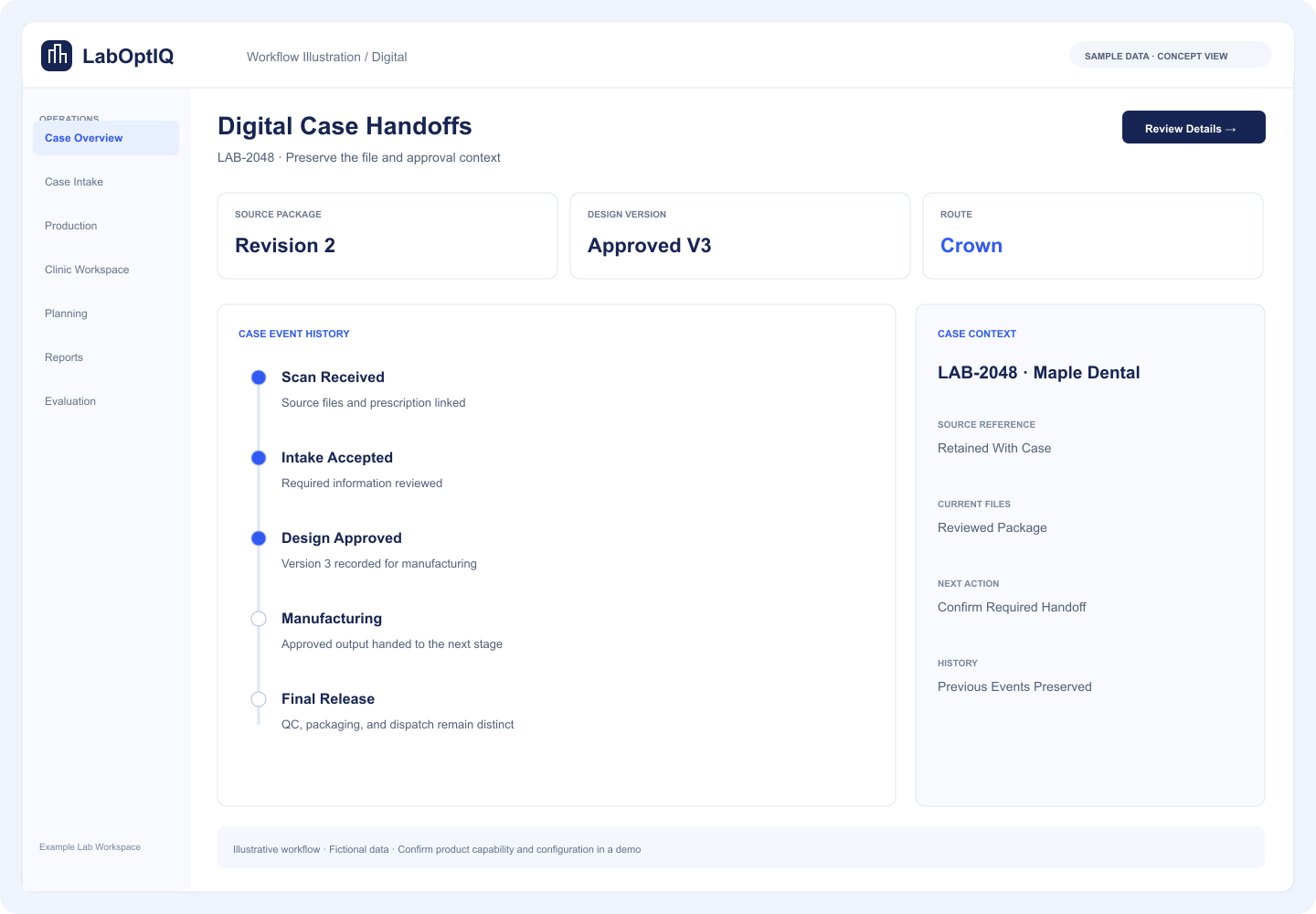
Associate the design task with the correct case, prescription version, files, and responsible person. When design review or clinic approval is required, record what was reviewed, by whom, and which version was approved. A general message saying approved is difficult to interpret after multiple revisions.
An LMS and CAD software serve different purposes. Confirm whether the handoff is a file export, a local folder process, or a supported integration. Do not assume that a management status update automatically opens the correct job in a separate design application.
Plan the manufacturing transition
The approved design must reach the appropriate manufacturing route with the relevant identifiers and material information. Follow validated procedures, equipment requirements, and manufacturer instructions. The management system should help preserve traceability; it should not invent technical settings for the equipment.
Include outsourced manufacturing if your lab uses it. Track the package sent, partner reference, expected return, and any review required on receipt. Sending a case outside the lab is a change in location and responsibility, not a reason for the case to vanish from production visibility.
Preserve finishing and quality records
Completion of a manufacturing step does not necessarily mean the restoration is ready for dispatch. Finishing, inspection, correction, and release may still be required under your procedures. Give these steps owners and completion evidence instead of treating them as an untracked interval at the end of the case.
When a check identifies an issue, preserve the finding and disposition. If a new file or instruction is needed, link it to the case's existing history. The route should support a controlled return to an earlier stage without erasing the work that led to the decision.
Close the loop with the clinic
Record dispatch, shipment references, delivery information when available, and the communication sent to the clinic. Keep invoice and payment status distinct from production and logistics. Each describes a different part of the case's operational life.
To evaluate the whole workflow, follow one case from the original scan reference to the final handoff. Include a revision or hold in the walkthrough. The test is whether the next person can identify the current instruction and responsibility without piecing together disconnected downloads and conversations.
View A Workflow Example
Explore this workflow with your team.
Bring your cases, scanner sources, and existing tools to a LabOptIQ demo. Confirm the handoffs, available features, and integration scope that matter to your lab.
Book A Workflow DemoSources & Further Reading
Vendor documentation explains its own platform, not a confirmed LabOptIQ integration or partnership.