Define a remake before counting it
Agree how your lab distinguishes a remake, adjustment, repair, try-in, and a newly requested item. Explain how commercial responsibility and no-charge work are recorded. Different definitions can produce different rates even when the underlying work is unchanged.
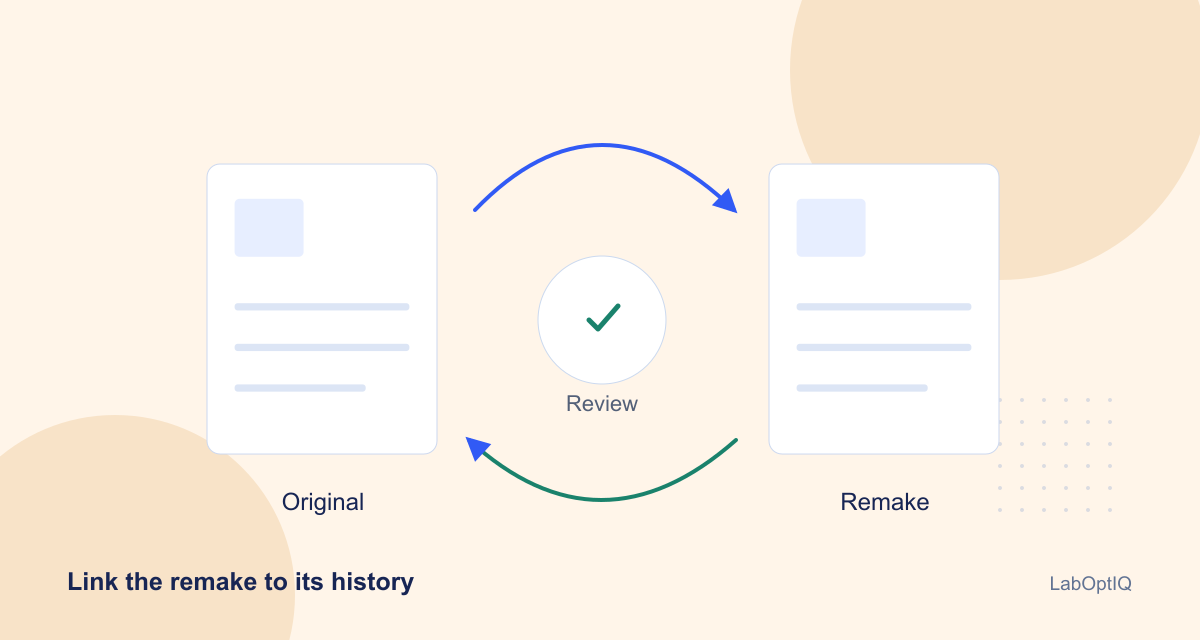
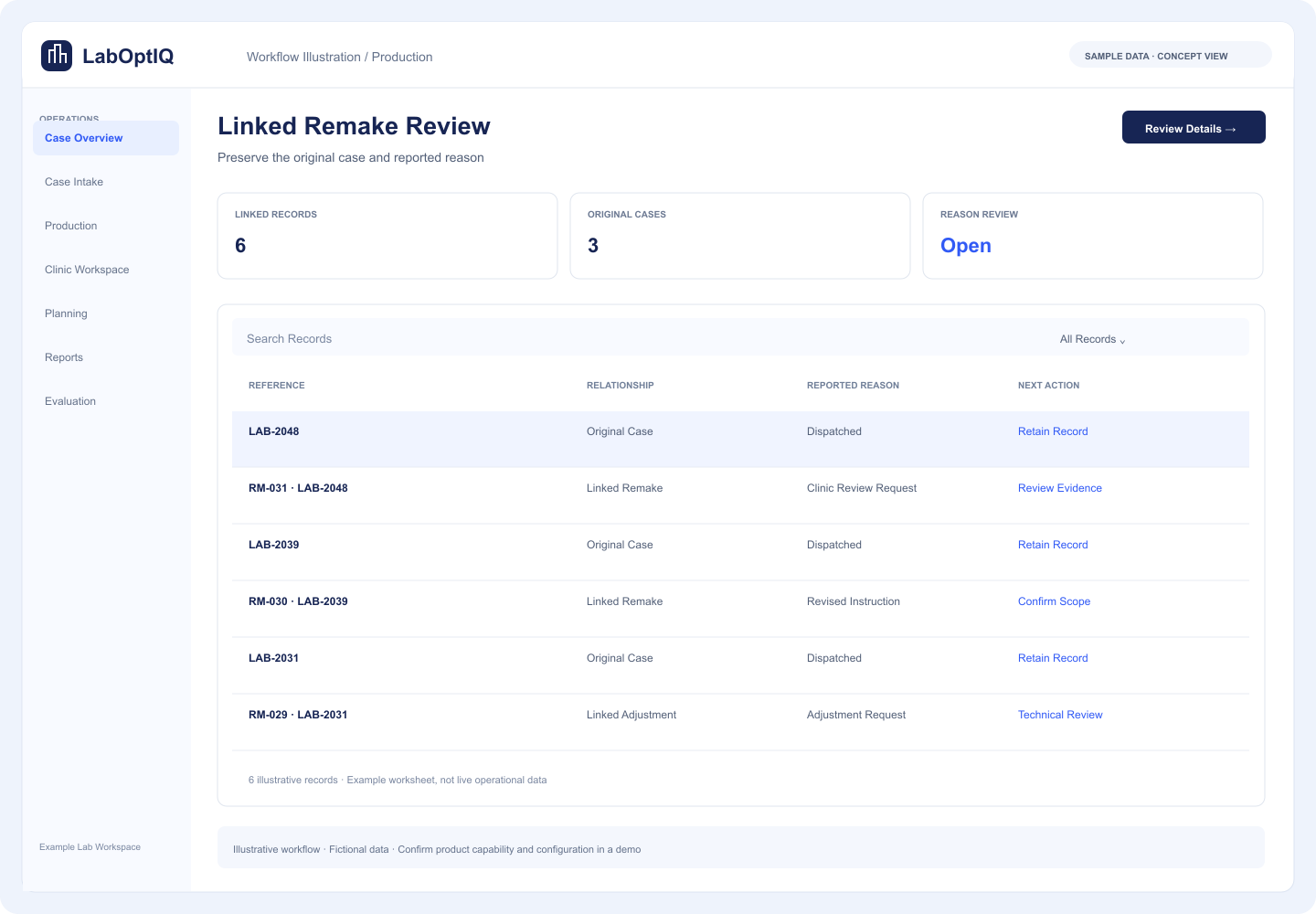
Link the subsequent case to the original reference rather than overwriting the delivered case. Preserve original instructions, files, dates, and outcomes. The new work may need a different route or deadline, while the earlier case still needs to remain understandable for reporting and review.
Capture the reason without assuming the cause
Record the reason reported by the clinic, the lab's observations, relevant attachments, and any subsequent finding separately. A selected reason code is a way to organize investigation, not proof of who is responsible. Give qualified reviewers the context needed to interpret the evidence.
Use a manageable set of categories with an option for clarification. A category called Other becomes less useful when it contains most records. Review descriptions periodically and update the taxonomy without rewriting historical results as if the new definitions had always existed.
Improve the intake and change handoffs
Check that the lab has the information required for the original case and that changes are acknowledged before affected work proceeds. Keep the source package and revised instructions identifiable. Missing context at intake can create uncertainty that appears only much later.
A practice sending a new scan should not need to guess whether the old work is still moving. Record who reviewed the replacement, what happens to completed stages, and whether the agreed timing or commercial terms changed. Make the decision visible to the next person.
Keep quality feedback connected to production
Internal rework discovered before dispatch is different from a returned case. Track it where useful without combining the two measures indiscriminately. Both consume capacity, but they can indicate different issues and require different operational actions.
Record findings and corrective actions under the lab's quality procedures. Follow required rechecks and authorized release decisions. Do not set generic technical tolerances from a management article or treat a software checklist as a substitute for professional judgment.
Review patterns using matched cohorts
A remake received this month may relate to work delivered earlier. State the observation window and denominator when reporting rates. Group comparable case types and show sample sizes so a handful of cases is not presented as a reliable trend.
Discuss patterns with both operational and qualified technical staff. Consider missing information, revisions, handoffs, manufacturing issues, and external circumstances. The objective is a better process, not a league table assigning blame from incomplete records.
Pilot one corrective workflow
Choose a repeated, well-understood issue and agree a small change: a clearer intake requirement, explicit revision acknowledgement, or better release evidence. Identify who will perform it and what record shows it happened. Compare the relevant outcomes over a reasonable observation period.
Retain the original case relationships and note other changes in workload. A lower rate after a pilot does not automatically prove the intervention caused it. A useful result combines the numbers with review evidence and a process the team can continue to perform consistently.
View A Workflow Example
Explore this workflow with your team.
Bring your cases, scanner sources, and existing tools to a LabOptIQ demo. Confirm the handoffs, available features, and integration scope that matter to your lab.
Book A Workflow DemoSources & Further Reading
Vendor documentation explains its own platform, not a confirmed LabOptIQ integration or partnership.